The tour, before the trip.
Send the photos from your listing. We turn them into a walkthrough video guests can watch before they book.
Photo vs. walkthrough
Same room. Whole different feeling.
A photo shows one corner. A walkthrough moves through the space, so guests understand the layout before they arrive.
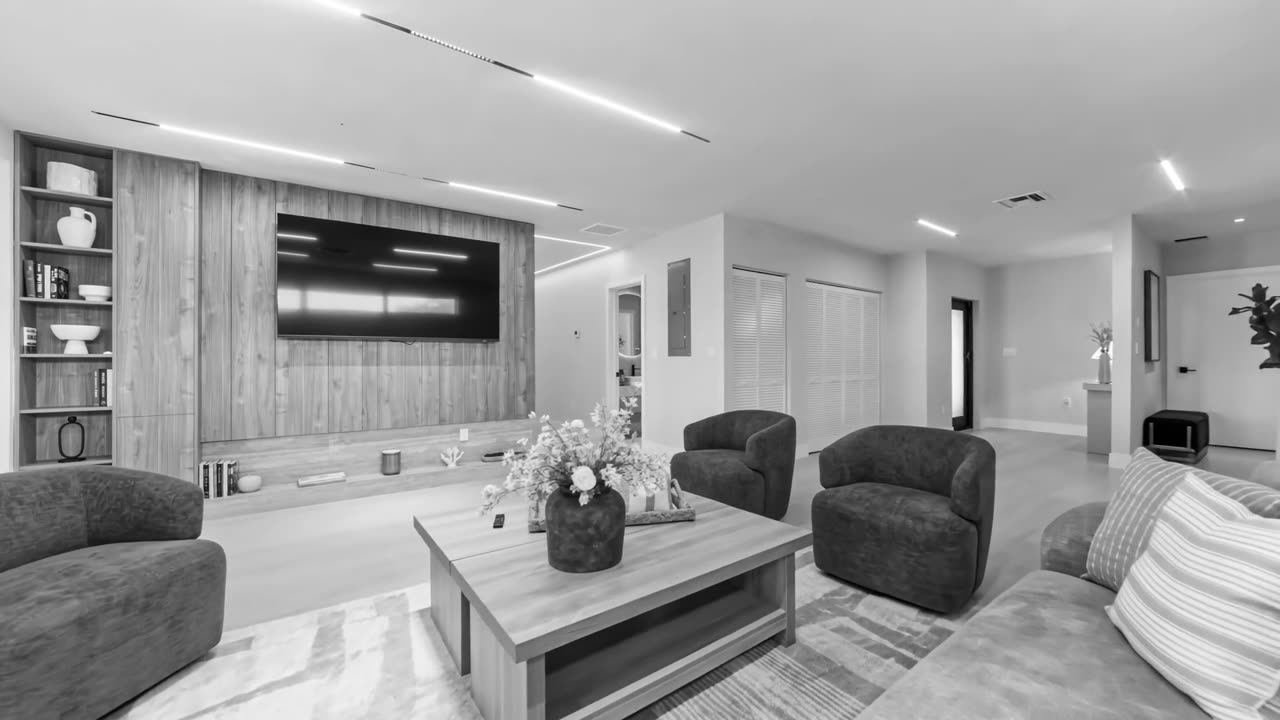
Drag the green handle.
One take
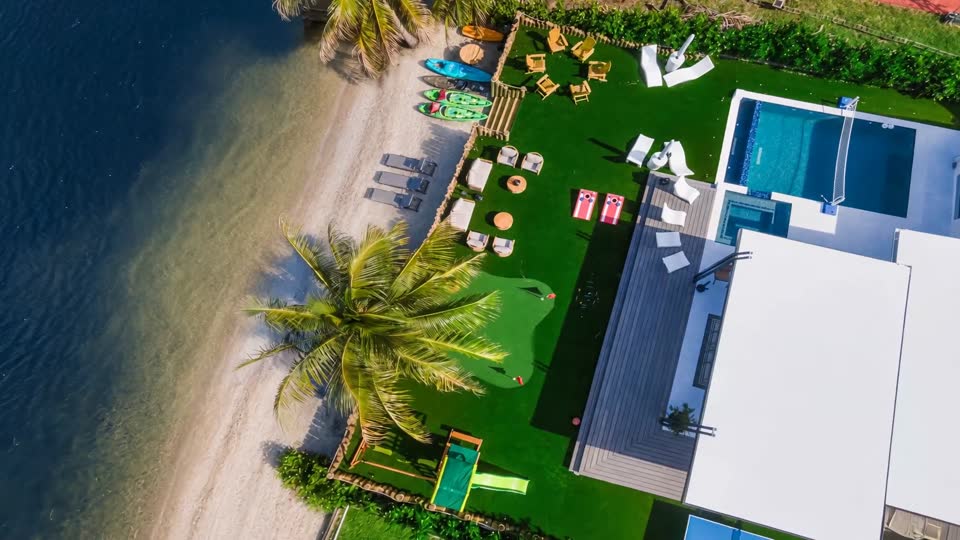
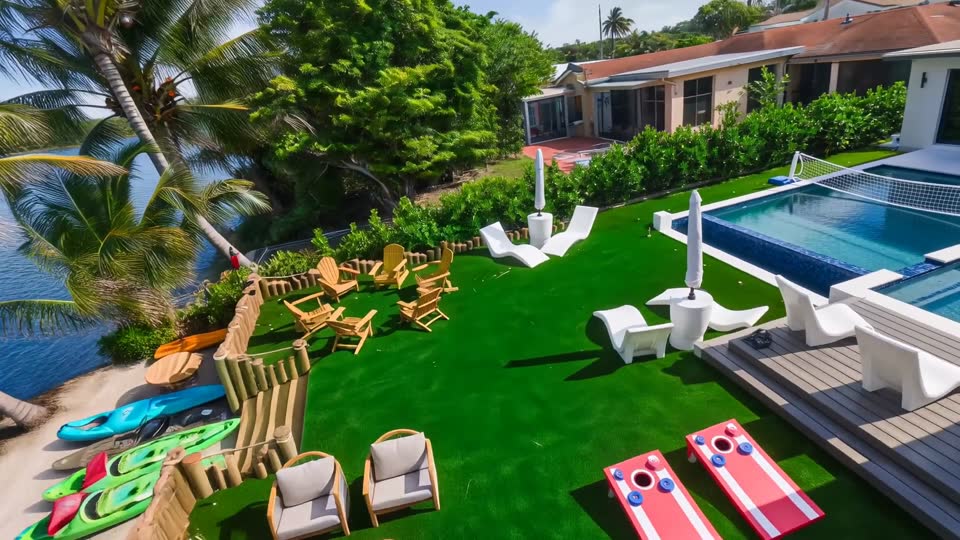
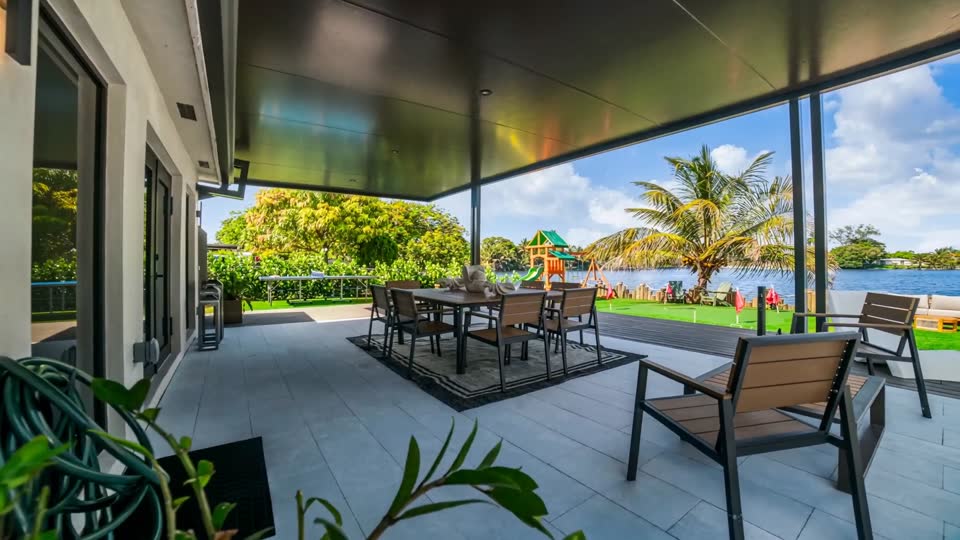
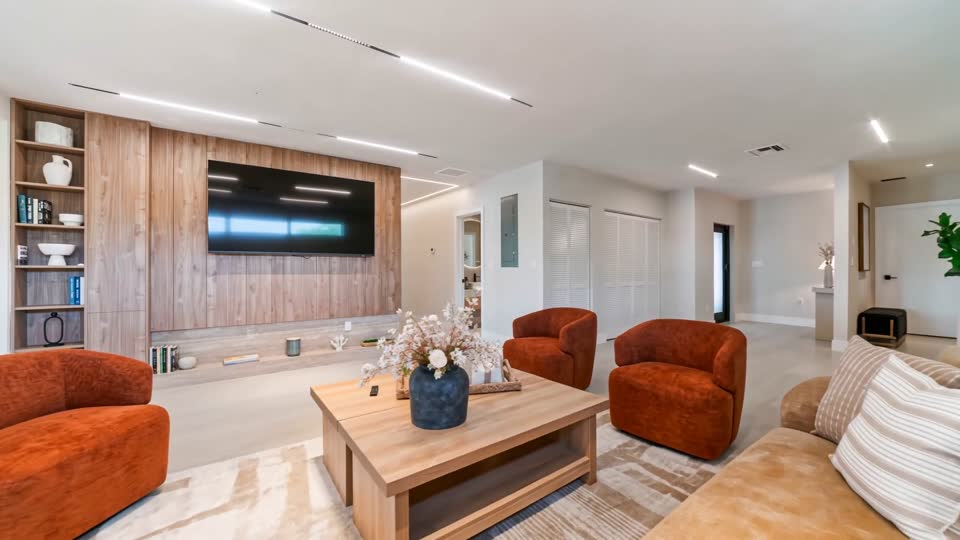
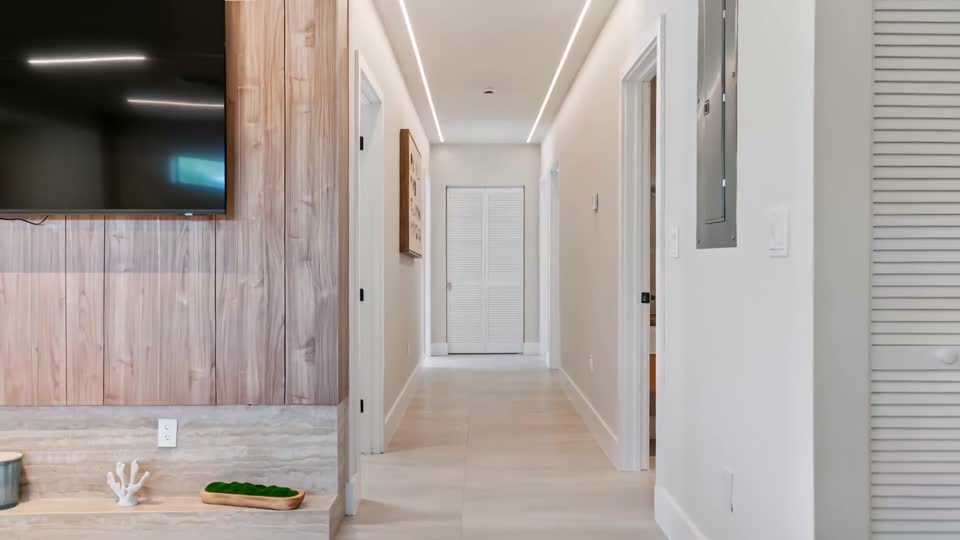
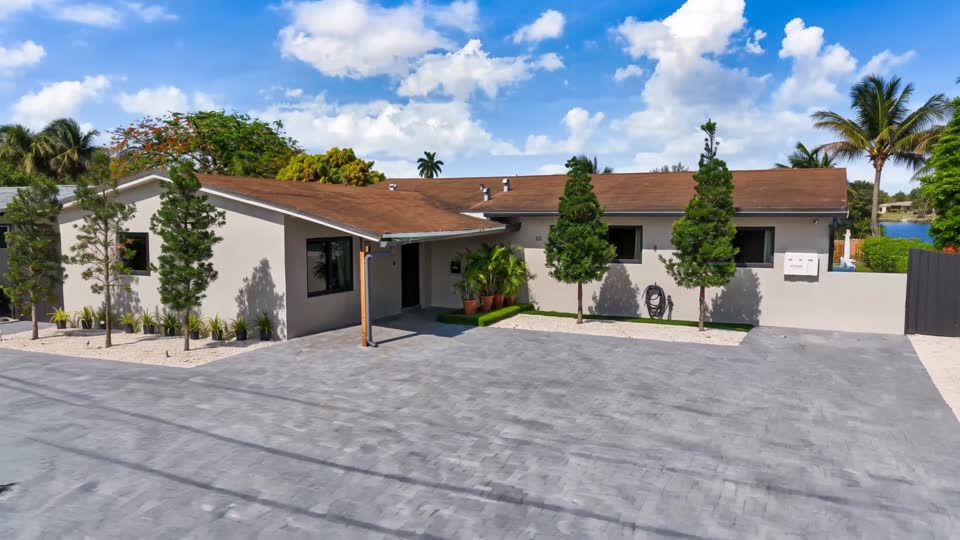
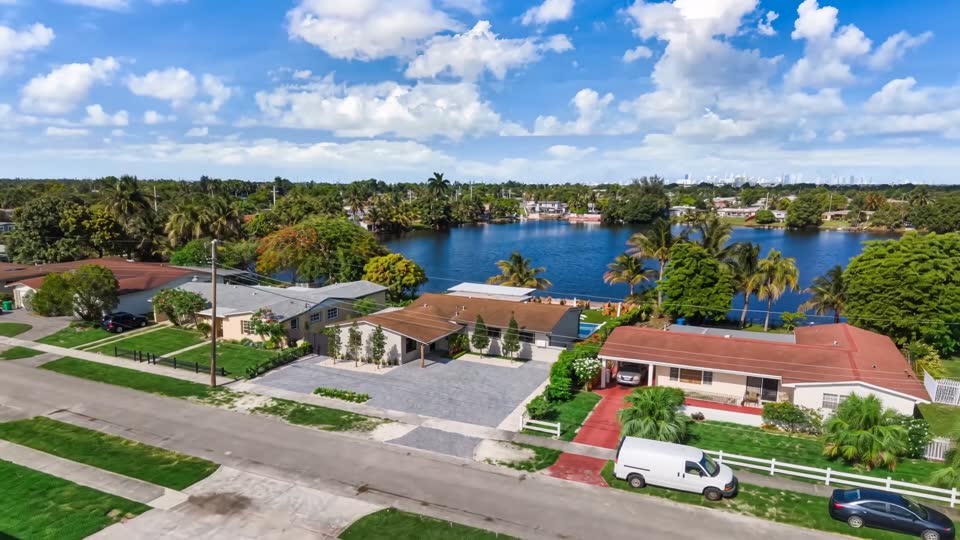
From the street to the back door.
Every room you send becomes part of one smooth video, in the order you choose.
How it works
Three steps. No filming day.
Upload your photos
At least 4 photos of the same place. Pick the room for each one, and that sets the order of the walkthrough.
Check out
Pay through Stripe's secure checkout. We never see your card details.
Watch your inbox
Your video arrives by email within 2 business days, after we've watched it and made sure it looks right.
- No app to download
- No one comes out to film
- Checked by a person
- Post it anywhere
Start here
Get your walkthrough.
What works best
- At least 4 photos of the same place
- Bright, clear photos, not too dark
- No people in the photos
- Full-size photos, at least 1500 pixels wide. The form checks this for you.
- No photos on hand? Paste your Airbnb listing link and we'll use the ones on your listing.
Questions
Before you order.
What photos should I send?
The same photos you'd put on your listing: bright, wide shots of each room, plus the outside if you have them. Skip photos with people in them.
How long does it take?
Your video arrives by email within 2 business days of payment.
Is the video made with AI?
Yes. We make it from your photos with AI video tools, then watch it ourselves before it goes out. Check that it matches your place before you post it, and don't use it to show anything the property doesn't have.
I have more than one property. Can I order for each?
Yes. Place a separate order for each property with its own photos.